

GolfTechIQ is reader-supported. When you buy through links on this page, we may earn a commission at no extra cost to you. As an Amazon Associate, we earn from qualifying purchases.
Short answer: the right golf simulator for home starts with your room, then your budget. Most homes need about 9–10 feet of ceiling, 12–15 feet of width and 15–20 feet of depth. A practice setup costs about $1,000–$1,500, a full simulator with a screen and projector about $5,000–$7,000, and premium rooms $15,000 or more. Pick a launch monitor that fits your room’s depth first. Everything else follows from that.
This guide walks you through every decision in order, with links to our deeper guides and free golf simulator room size calculator.
What’s in a home golf simulator?
- Launch monitor: measures ball speed, launch, spin and more. This is the brain of the setup.
- Hitting surface: a hitting mat, and often turf around it.
- Something to hit into: a practice net, or an impact screen inside an enclosure.
- Display: a phone or tablet for practice, or a short-throw projector shining on the impact screen for course play.
- Software: the launch monitor’s app, or course software like GSPro or E6 Connect on a PC.
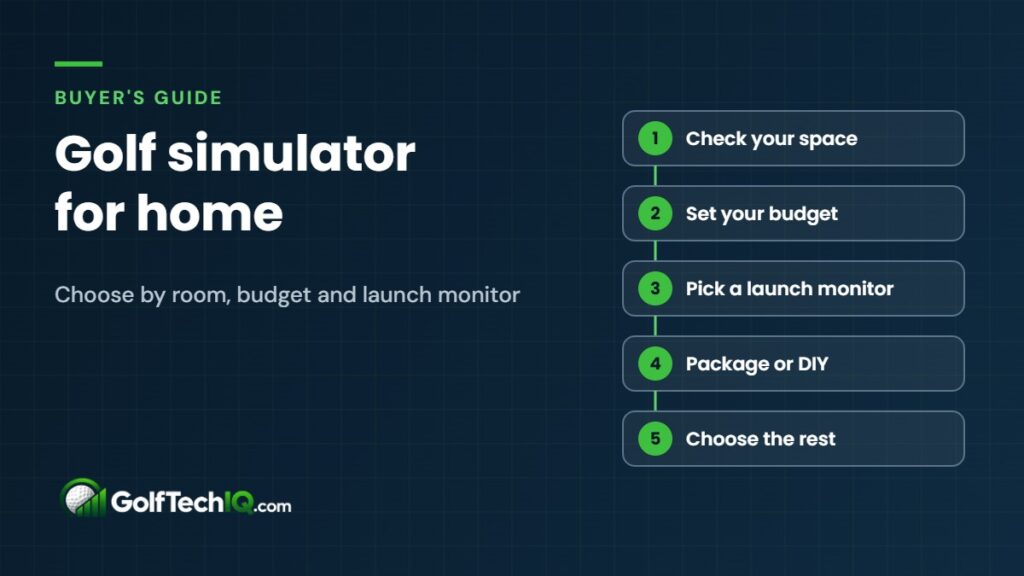
Step 1: Check your space
| Dimension | Tight but workable | Comfortable |
|---|---|---|
| Ceiling height | 9 ft | 10 ft+ |
| Width | 12 ft | 15 ft+ |
| Depth (side-of-ball launch monitor) | 15–16 ft | 17–20 ft |
| Depth (radar launch monitor) | 18 ft | 20–21 ft |
Ceiling height is the one you can’t fix, so measure it first and do a few slow swings with your driver where the mat would go. Our space guide explains each number, and garage builds have their own catch: door tracks that hang below the ceiling.
Step 2: Set your budget
| Budget | What you get |
|---|---|
| About $1,000–$1,500 | Budget launch monitor, practice net and mat, phone or tablet app |
| About $5,000–$7,000 | Mid-range launch monitor, enclosure and impact screen, short-throw projector, PC and course software |
| $15,000+ | Premium or ceiling-mounted launch monitor, custom enclosure, 4K laser projector |
Don’t forget yearly software. Course programs like GSPro run about $250 a year, and some launch monitors charge for premium features.
Step 3: Choose a launch monitor that fits the room
Where the launch monitor sits decides how much depth you need:
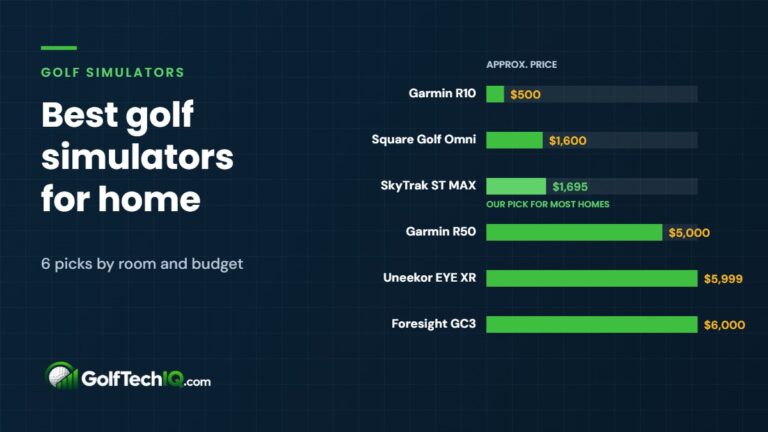
- Radar units sit 6–8 feet behind the ball. Great value, but they need a deep room. Examples: Garmin Approach R10 (about $500) and Rapsodo MLM2PRO (about $550).
- Camera units sit beside the ball. Best for shorter rooms. Examples: SkyTrak ST MAX (about $1,695), Square Golf Omni (about $1,600) and Garmin R50 (about $4,999).
- Ceiling units mount overhead. Nothing on the floor and easy for lefties and righties to share, but they need ceiling height. Examples: Uneekor EYE XR (from about $5,999) and Trackman iO.
Compare them in best launch monitors for small rooms and Garmin R10 vs. Rapsodo MLM2PRO.
Step 4: Package or build it yourself?
| Complete package | Build it yourself | |
|---|---|---|
| Cost | Higher | Lower, especially the frame |
| Effort | Low: parts are matched and sized for you | A weekend of building, plus research |
| Flexibility | Limited to the bundle | Choose every part |
| Best for | Buyers who want it done right the first time | Handy buyers who want to save money |
Step 5: Pick the rest of the setup
- Net or screen: a net is the cheapest way to start. An impact screen and enclosure are needed if you want a projected course.
- Hitting mat: spend a little more here. Cheap mats are hard on your joints and hide fat shots.
- Projector: a short-throw model mounted out of your swing path, roughly $800–$2,900.
- Computer and software: a phone app is fine for practice; a gaming PC with GSPro or E6 Connect gives you full course play.
See golf hitting mats on Amazon
Our picks by situation
| Your situation | Start here |
|---|---|
| Tight budget, deep room | Garmin R10 or Rapsodo MLM2PRO with a net and mat |
| Short room or spare bedroom | A side-of-ball unit like the SkyTrak ST MAX or Square Golf |
| Garage you still park in | Portable launch monitor plus a retractable screen |
| Family with lefties and righties | Ceiling-mounted unit, if the ceiling allows |
| Want it all in one box | Garmin R50, with its built-in screen |
Home golf simulator checklist
- Ceiling, width and depth measured, and a driver swing tested
- Budget set, including yearly software
- Launch monitor type matched to your room depth
- Package or DIY decided
- Net or screen, mat, projector and computer chosen
- Plan for lighting, power and, in a garage, heat and cold
Ready to pick one? See our best golf simulators for home, with six picks by room and budget.
FAQ
How much room do you need for a golf simulator at home?
About 10 feet of ceiling, 15 feet of width and 18 feet of depth is comfortable. You can go smaller, down to roughly 9 × 12 × 15 feet, with a launch monitor that sits beside the ball.
What’s the best golf simulator for home?
The one that fits your room and budget. For most homes that means a side-of-ball camera unit in shorter rooms, or a budget radar unit in deeper rooms, paired with a good mat and either a net or an impact screen.
Can you use a golf simulator in a small room?
Often, yes, if the ceiling is high enough to swing. A launch monitor that sits beside the ball saves several feet of depth. Check your room with our room size calculator.
Is a home golf simulator worth it?
If you’ll practice or play weekly, usually yes: you get year-round golf and data on every swing. If you’ll only use it occasionally, start with a budget launch monitor and a net and upgrade later.
Sources: Trackman, room requirements; SkyTrak, plan your space; PlayBetter, launch monitor space and prices; Rapsodo, MLM2PRO; Foresight Sports, GSPro subscription.
Keep reading
 Best Golf Simulators for Home (2026): 6 Picks by Budget
The best golf simulators for home, from a $500 Garmin R10 to $6,000 premium units, matched to room size, software…
Best Golf Simulators for Home (2026): 6 Picks by Budget
The best golf simulators for home, from a $500 Garmin R10 to $6,000 premium units, matched to room size, software…
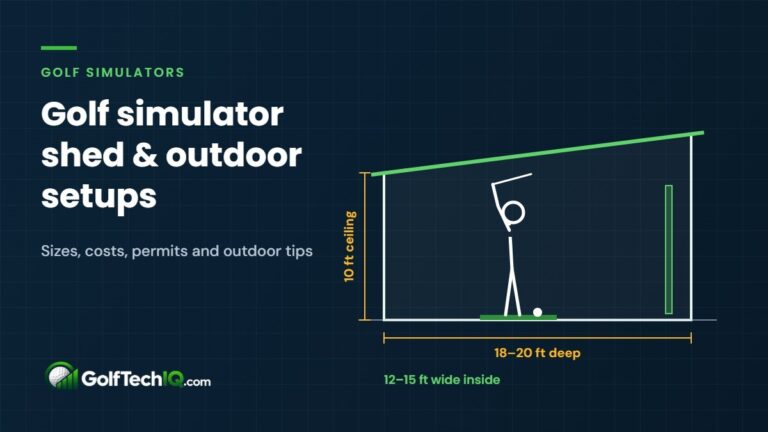 Golf Simulator Shed and Outdoor Golf Simulator Guide
What size shed you need for a golf simulator, what it costs, when you need a permit, and how to…
Golf Simulator Shed and Outdoor Golf Simulator Guide
What size shed you need for a golf simulator, what it costs, when you need a permit, and how to…
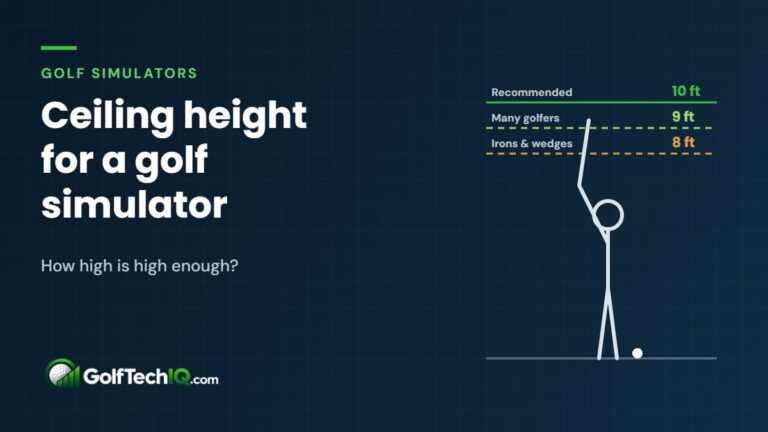 Ceiling Height for a Golf Simulator: How High Is High Enough?
Plan on a 10-foot ceiling to swing a driver freely in a golf simulator; many golfers can make 9 feet…
Ceiling Height for a Golf Simulator: How High Is High Enough?
Plan on a 10-foot ceiling to swing a driver freely in a golf simulator; many golfers can make 9 feet…